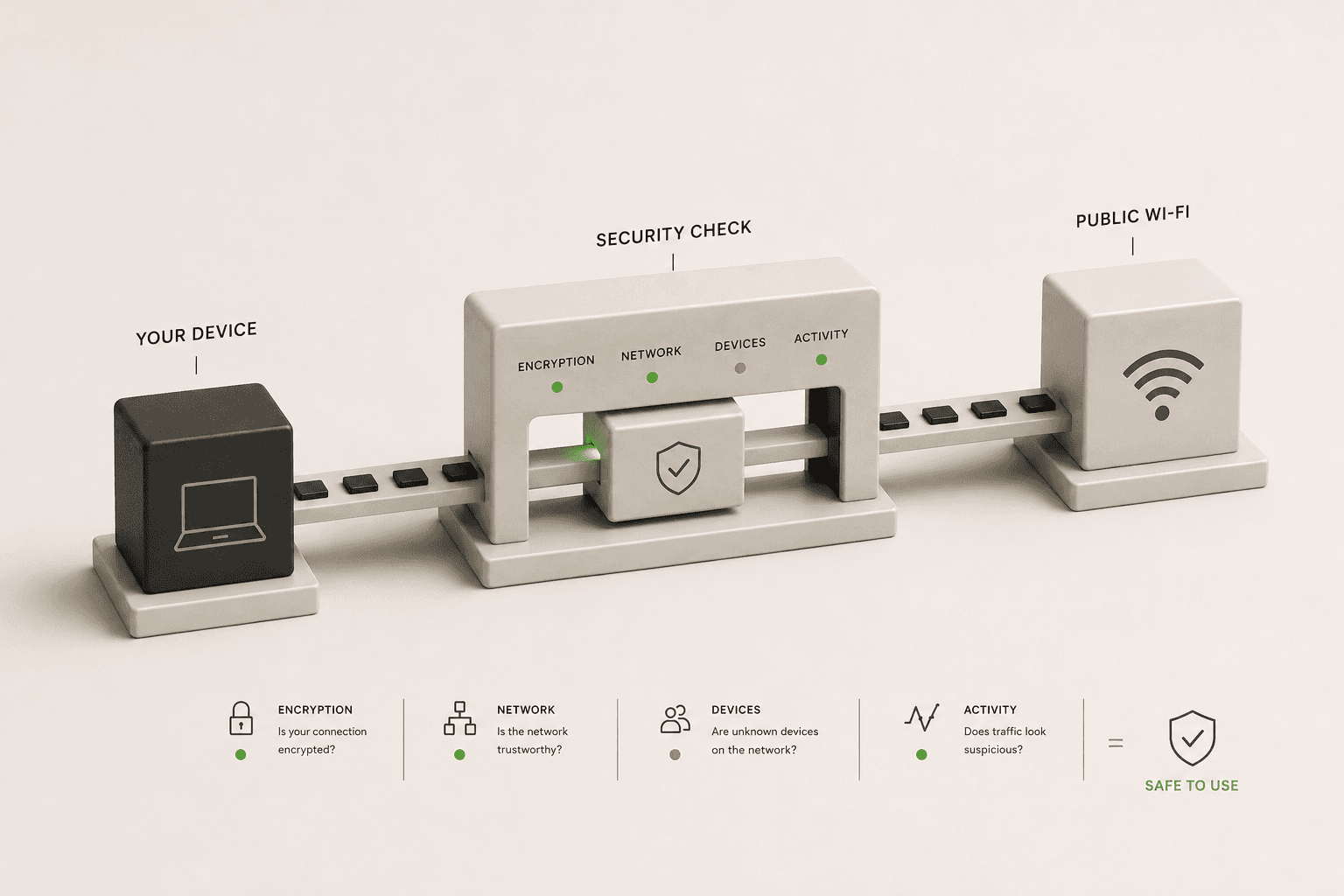
Connecting to free Wi-Fi at a coffee shop, airport, or hotel is incredibly convenient. Unfortunately, it is also one of the easiest ways for attackers to intercept your personal data. Because public networks are open to anyone, the person sitting two tables away from you could be monitoring everything you do online.
What Are the Real Risks of Public Wi-Fi?
The primary danger is a "Man-in-the-Middle" attack. On an unsecured network, data travels through the air without encryption. An attacker using widely available software can easily capture this traffic.
Another common threat is the "Rogue Hotspot." Hackers will set up their own Wi-Fi network with a legitimate-sounding name like "Starbucks Free Guest Wi-Fi." If you connect to it, the attacker controls the router. They can redirect you to fake banking sites, capture your passwords, or inject malware into the pages you visit.
How Can You Check If a Network Is Safe Before Connecting?
Before you log into any accounts on a new network, look for these critical security indicators:
- Network Encryption: Look at your Wi-Fi menu. If the network has no password requirement, it is completely unencrypted. Anyone can capture the raw data flying through the air. A network using WPA2 or WPA3 encryption (which requires a password) is significantly safer.
- Captive Portals: Be wary of networks that ask you to install an app or a "security certificate" to access the internet. This is a common tactic attackers use to bypass your browser's security warnings.
- HTTPS Connections: Once connected, make sure the websites you visit start with
https://and display a padlock icon. If a site you know should be secure suddenly shows a "Not Secure" warning, disconnect immediately. An attacker might be trying to intercept your connection.
The Single Most Important Tool for Public Wi-Fi
Even if you verify the network name with the barista and stick to HTTPS websites, public Wi-Fi is never truly safe. The only guaranteed way to protect your data is to use a Virtual Private Network (VPN).
A VPN wraps all of your internet traffic in a layer of heavy encryption before it even leaves your device. Even if you connect to a rogue hotspot controlled by a hacker, all they will see is meaningless, scrambled data. They will not be able to see which websites you are visiting or what data you are sending.
Before you open any sensitive apps on public Wi-Fi, turn on your VPN and use our VPN Check tool to ensure it is actually routing your traffic securely. You can also run the DNS Leak Test to verify that the local router is not secretly logging the names of the websites you visit.
A Checklist for Staying Safe
If you must use public Wi-Fi without a VPN, follow these strict rules to minimize your risk:
- Never log into your bank, email, or financial accounts.
- Turn off automatic file sharing and AirDrop on your device.
- Do not check the box that says "Connect automatically" to open networks.
- Assume everything you do on the network is public.