Quick answer
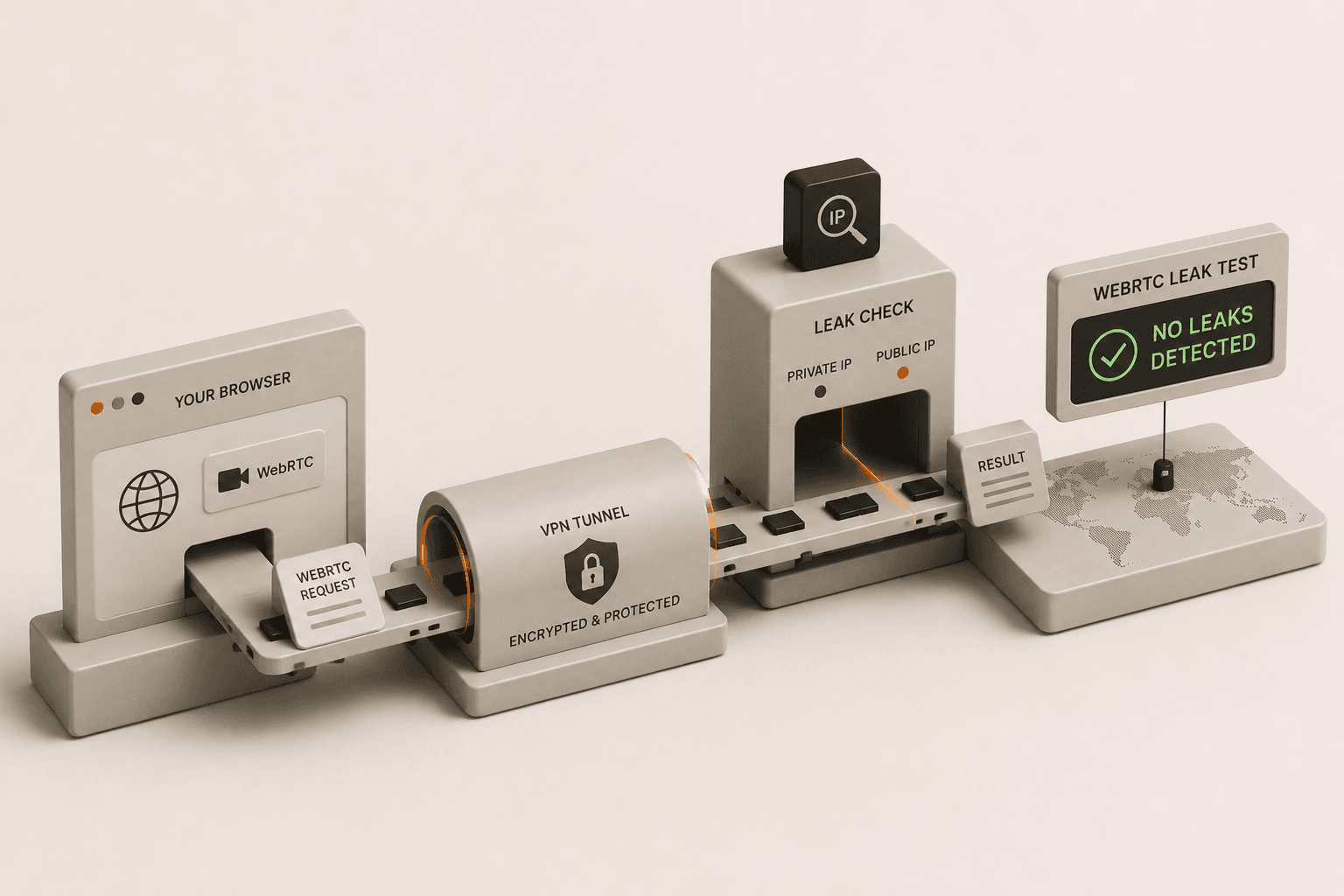
WebRTC is a browser feature for direct peer-to-peer communication. In some browser and network setups, it can reveal an additional public IP or network candidate, which is why people run WebRTC leak tests.
What WebRTC does
WebRTC helps browsers set up direct communication for calls and data sharing. To do that, the browser gathers ICE candidates, which are small connection hints used to decide how peers can reach each other.
Those candidates can include public, private, relay, or masked values depending on the browser and network.
Why people call it a leak
A "WebRTC leak" is the situation where the browser reveals a public IP route that you did not expect to expose, especially if you thought a VPN or proxy would hide it.
Public candidate
This can be a meaningful exposure if it differs from the connection you intended to use.
Private or local candidate
This usually reflects local network behavior and is not the same as a public leak.
mDNS hostname
Modern browsers sometimes mask local addresses with an mDNS hostname. That is usually privacy protection, not a leak.
Relay candidate
Relay traffic generally routes through an intermediary, which is not the same as exposing your direct public IP.
How to interpret a test
Do not treat any ICE candidate as proof of a leak on its own. The key question is whether the browser exposed an additional public IP that you did not expect to see.
If a browser only shows private or masked values, that can still be normal behavior. The result needs context.
Run the live test
Use the focused tool to see whether this browser session exposes an extra public IP, then compare the result with your VPN or public IP check.
Frequently asked questions
Does WebRTC always leak my IP?
No. Whether it leaks an additional public IP depends on the browser, operating system, extensions, VPN settings, and network path.
Is mDNS a leak?
Usually not. mDNS is commonly used to hide local network addresses from websites.