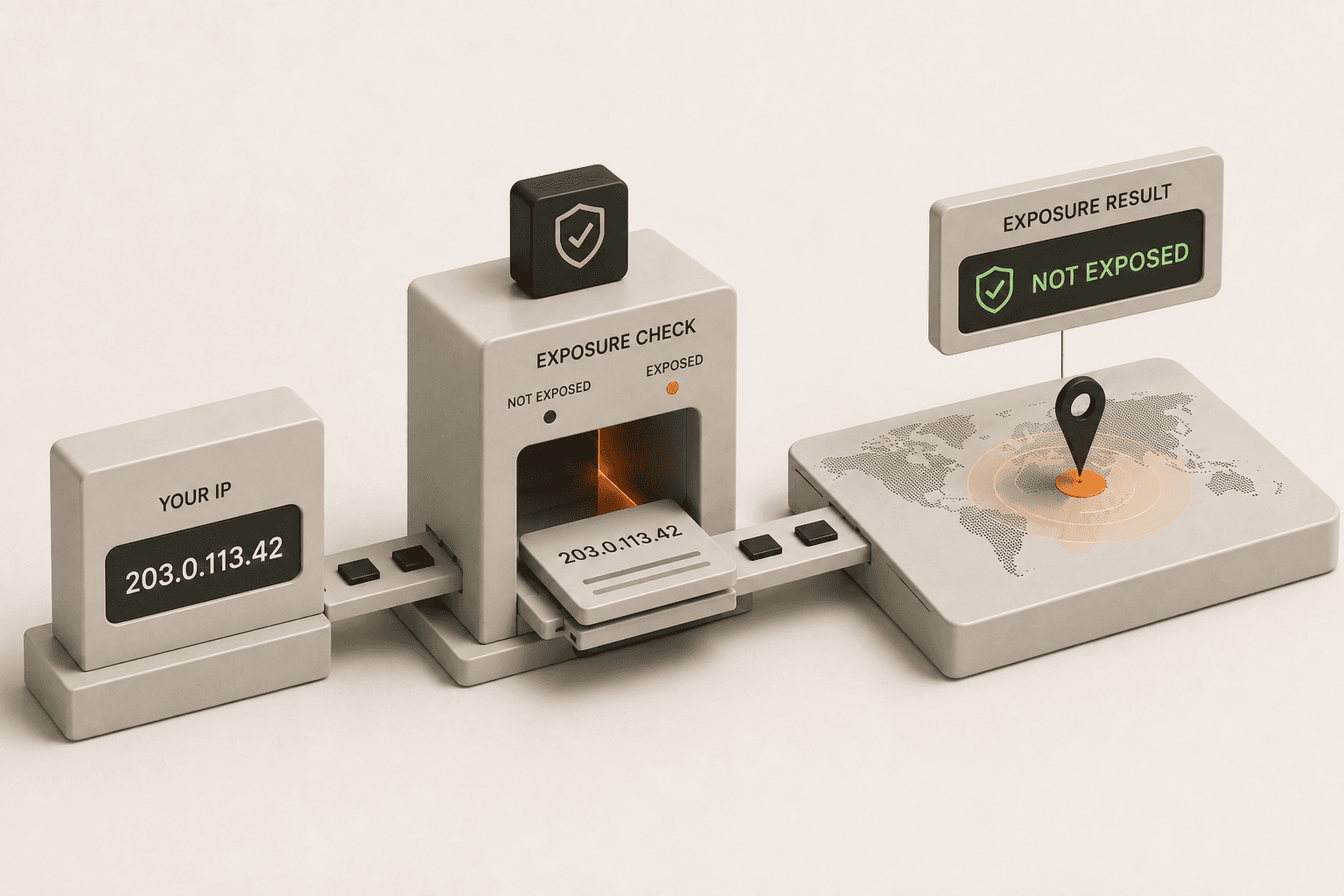
If you are browsing the internet without a VPN or proxy, your IP address is exposed right now. Every time your device requests information from a website, whether you are reading an article, streaming a video, or sending an email, it must provide a return address. That return address is your IP address. Because the internet is built on two-way communication, the website you are trying to reach needs to know exactly where to send the data back to you. This fundamental requirement means your location, Internet Service Provider (ISP), and browsing habits are continuously tied to a unique identifier visible to third parties across the web.
Is my IP address exposed when I browse the internet?
Yes, every website you visit, app you use, and network you connect to can see your public IP address unless you are actively hiding it. Think of your IP address like a physical home address printed on the outside of an envelope. Just as mail cannot be delivered to your house without your address clearly visible to the postal service, internet data cannot reach your computer or smartphone without your IP address being exposed to the servers handling your request. Because of this core design, simply being online means your IP is out in the open by default.
Most people assume their home Wi-Fi network provides a layer of privacy, but that is a dangerous misconception. Your home router acts as a gateway, but your ISP still assigns you a public-facing IP address. They log everything you do under that specific address. Also, when you visit a website, the site's server automatically logs your IP address, the time of your visit, the pages you looked at, and the device you are using. Advertisers and data brokers then scoop up this information, compile it, and use it to build incredibly detailed profiles on your behavior, preferences, and daily routines.
Who exactly can see my exposed IP address?
Your Internet Service Provider (ISP), the websites you visit, online advertisers, government agencies, and anyone administering the local network you are on can see your IP address. It is not just one entity watching; it is an entire ecosystem designed to track and log digital footprints.
Let's break down exactly who is looking at your data when your IP is exposed:
- Your ISP (Internet Service Provider): Companies like Comcast, AT&T, and Spectrum issue your IP address. Because they are the gateway to the internet, they have a complete, unfiltered record of your internet history. In many jurisdictions, ISPs can legally sell this browsing data to third-party marketing firms without your explicit consent.
- Websites and Apps: To serve you content, they need your IP. They routinely use it to determine your physical location (geolocation). This is how streaming services enforce regional content restrictions (geoblocking) and how e-commerce sites serve you localized pricing or targeted advertisements.
- Network Administrators: If you are connecting to public Wi-Fi at a coffee shop, hotel, airport, or even your workplace, the router administrator can see your IP address and monitor the unencrypted traffic passing through their network.
- Cybercriminals and Hackers: On unsecured networks, malicious actors can easily intercept your traffic. They can use your exposed IP address as a starting point to scan your device for open ports or software vulnerabilities, potentially launching direct cyberattacks.
What information does my exposed IP address reveal?
Your IP address reveals your rough physical location - such as your country, region, city, zip code, and sometimes even your specific neighborhood - as well as the name of your Internet Service Provider. It does not broadcast your exact street address, your name, or your phone number on its own.
However, that does not mean you are anonymous. When your IP address is combined with other readily available data points - like your browser fingerprint, device type, cookies, and search history - it becomes a highly effective tracking tool. Data brokers excel at piecing this puzzle together. They can figure out exactly who you are based on your habits. Even worse, if a website you have an account with suffers a data breach, hackers can link your previously exposed IP address to your real identity, email address, physical home address, and passwords found in the leaked database.
How can I check if my IP is exposed right now?
You can check if your IP is exposed by using a dedicated IP lookup tool to see if it displays your actual physical location and your real ISP. If you aren't currently running a VPN, or if you suspect your VPN might be malfunctioning, you need to verify your status immediately before continuing to browse.
We have built a completely free, fast, and secure tool for exactly this purpose. You can find out exactly what information your connection is broadcasting right now by visiting our What is my IP? tool. It will instantly show you the IP address that is currently visible to the rest of the web, along with all the location data associated with it.
If you run the test and the tool shows your real city and your actual ISP, your IP is fully exposed. This means every site you visit is logging your true location.
What should I do if my IP address is exposed?
The most effective way to stop your IP address from being exposed is to connect to a high-quality Virtual Private Network (VPN). A VPN creates a secure, encrypted tunnel between your device and a remote server operated by the VPN provider. When you browse the web through this tunnel, websites and online services see the VPN's IP address instead of your real one.
Once you turn on a reliable VPN, your internet traffic is instantly anonymized. Your ISP can only see that you are connected to a VPN server, but they can no longer see the contents of your traffic or the websites you are visiting. Consequently, the websites you visit can only see the location of the VPN server, keeping your actual living room hidden from view.
However, simply having a VPN turned on doesn't automatically mean you are 100% protected at all times. VPNs can suffer from technical issues like DNS leaks, WebRTC leaks, or sudden connection drops that expose your real IP address for brief, critical moments. Because of these risks, it is absolutely crucial to understand how to know if your VPN is actually working.
If your VPN is configured incorrectly, or if it lacks essential security features like a kill switch, you might falsely believe you are safe while your real IP address is still bleeding out onto the open web. Make it a habit to regularly test your connection, check for leaks, and read up on the signs of a failing VPN to guarantee your digital privacy remains fully intact.