IPv6 is the newer version of the addressing system that the entire internet uses to connect devices. It exists because the world simply ran out of the older IPv4 addresses, and a new, much larger numbering system was needed to allow millions of new smartphones, computers, and smart devices to continue coming online.
What Does IPv6 Do?
IPv6 provides a virtually unlimited supply of new internet addresses, ensuring that every new device can connect to the internet. Every single device connecting to the web - whether it is your phone, a website's server, or your smart TV - requires a unique public IP address to send and receive data.
The original internet addressing system, IPv4, was designed decades ago and only contained about 4.3 billion unique addresses. As the internet exploded in popularity, we completely ran out of these original addresses. IPv6 was created to solve this shortage, doing exactly the same job as IPv4 but with a massive upgrade in capacity.
What's the Difference Between IPv4 and IPv6?
The main difference between IPv4 and IPv6 is their format and size. IPv4 uses a shorter number format (like 192.168.1.1) that is completely exhausted. IPv6 uses a much longer mix of letters and numbers (like 2001:0db8:85a3:0000:0000:8a2e:0370:7334) to create enough unique addresses for every device on Earth.
Think of it like upgrading a city's phone number system. If a city only uses 5-digit phone numbers, they will eventually run out of combinations as the population grows. By upgrading to 10-digit phone numbers, the city suddenly has enough combinations for everyone. IPv6 is simply the internet upgrading to a longer "phone number" to handle global growth.
Should I Use or Enable IPv6?
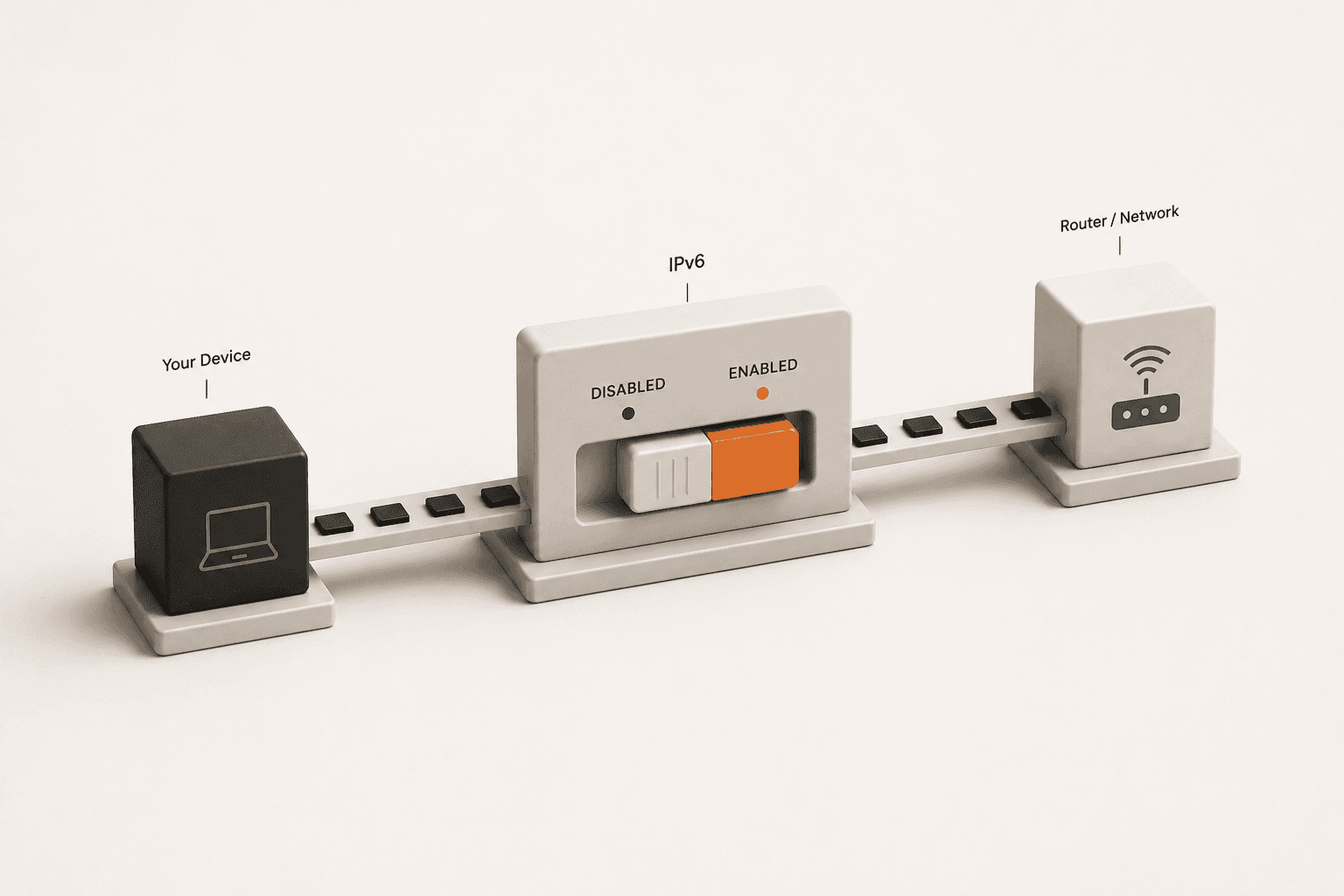
For the vast majority of people, you do not need to manually enable IPv6. Your Internet Service Provider and your home router will automatically use it behind the scenes if their networks support it.
The transition to IPv6 is being handled entirely by telecommunications companies and device manufacturers. If your connection supports IPv6 connectivity, your phone or computer will simply use it seamlessly alongside IPv4. You would generally only need to manually interact with IPv6 settings if you are troubleshooting a specific local network issue or configuring a custom firewall on your router.
Does IPv6 Affect My Privacy or VPN?
Yes, IPv6 can affect your privacy if you use a VPN. Some older or poorly configured VPNs are not designed to route IPv6 traffic, meaning your IPv6 address could leak outside the VPN tunnel and expose your real location to websites.
When you connect to a VPN, it creates a secure tunnel for your internet traffic. However, if your home connection supports IPv6 but your VPN only supports IPv4, your browser might accidentally send data outside the secure tunnel using the IPv6 route. This is known as an IPv6 leak. Also, technologies like WebRTC can sometimes bypass VPN tunnels to expose your real IP address, making it crucial to test your connection.
Check If You Have an IPv6 Address
You can easily check if your current internet connection supports and exposes an IPv6 address using our diagnostic tool.
- Open the IP checker:Navigate to the What Is My IP page. The tool will automatically scan your connection.
- Look for the IPv6 field:Review the results on the screen. If your network supports it, you will see a long alphanumeric address listed under the IPv6 section. If it says "Not Detected," your ISP is likely still using only IPv4.
- Test your VPN for leaks (optional):If you use a VPN, turn it on and check the page again. Both your IPv4 and IPv6 addresses should change. If your IPv6 address stays the same, your VPN is leaking.
Am I Using IPv4 or IPv6?
You can easily check whether you are using IPv4 or IPv6 by visiting our What Is My IP tool. It will instantly read your network connection and display your active IP addresses. Many modern devices, especially mobile phones on 4G/5G networks, use both IPv4 and IPv6 simultaneously depending on what the website supports.
Related Reading
- How Do I Know If My VPN Is Actually Hiding My IP Address?
A complete guide to understanding VPN tunnels, IPv6 leaks, and how to verify your connection.
- What Is an ASN in an IP Lookup?
Learn how telecom companies organize and register the IP blocks that power the internet.
Useful Tools
- What Is My IP
Query your current connection to instantly reveal both your IPv4 and IPv6 addresses.
- VPN Check
Run a side-by-side diagnostic to verify that your VPN successfully masks your IPv6 connection.