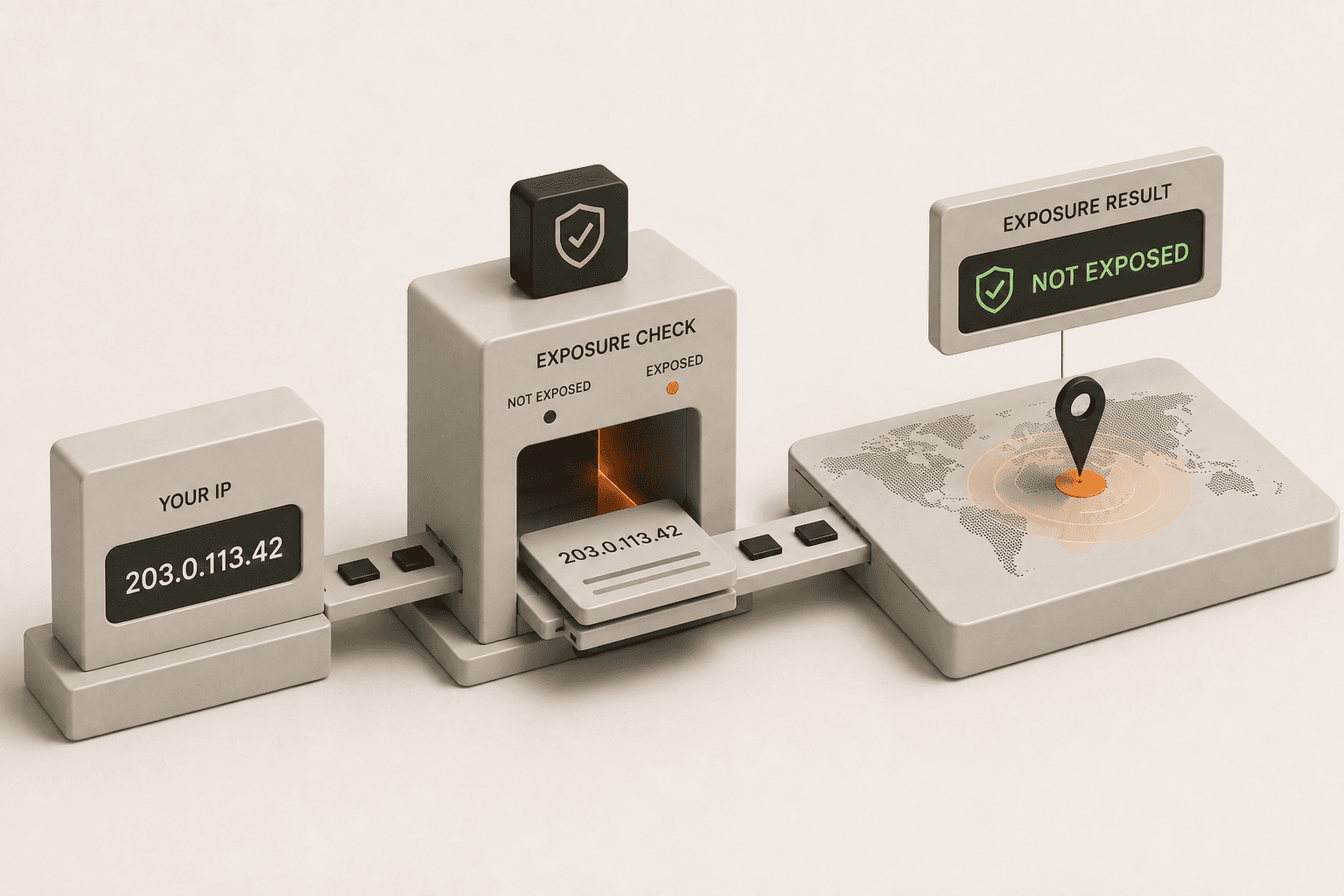
If you are worried that your IP address has been hacked, the most important thing to know is that an IP address itself cannot be "hacked." Think of your IP address like a license plate on a car, a public phone number, or the street address of your house. It is simply a public-facing identifier assigned to your home or office network by your Internet Service Provider (ISP). Everyone you interact with on the internet - including websites, mobile apps, streaming services, and online game servers - needs to see this address in order to send data back to your devices. Because the IP address is explicitly designed to be public and shared during normal network communication, someone simply knowing your IP address does not mean you have been hacked or that your personal devices have been compromised.
However, while the IP address itself isn't hackable, cybercriminals can use it as a starting point or a target to probe your network for weaknesses. If your internet router has weak security settings, outdated firmware, or you have exposed internal services to the public internet, malicious actors might try to exploit those vulnerabilities using your IP as the destination. In this comprehensive guide, we will clear up the common misconceptions surrounding IP addresses, explain exactly what malicious actors can and cannot do with this information, and outline how to tell if the devices sitting behind your IP address are actually at risk of being breached.
Can an IP address be hacked?
An IP address itself cannot be hacked because it is simply a public identifier for a network, not a device or account that stores data. It does not hold your passwords, personal files, banking credentials, or financial information. When people casually talk about an IP being "hacked," they usually mean that an attacker has gained unauthorized access to the network or a specific hardware device (like a broadband router, smart home device, or personal computer) connected to that specific IP address. Knowing your IP address gives someone your general geographical location (like your city, state, or zip code) and the name of your ISP, but it does not give them a magical backdoor access to your home network or your devices automatically. There is a distinct difference between someone discovering your public identifier and someone actively breaching your system's security.
How do I know if my IP is compromised?
You can know if your network is compromised by checking for unusual network activity, unexpected login attempts, or by noticing your IP address appearing on public blacklists. One of the clearest and most direct signs is receiving warning notifications from your ISP or from online services you use about suspicious, malicious behavior originating from your internet connection. If your internet speed suddenly drops drastically and stays that way despite restarting your equipment, your network might be participating in a malicious botnet or experiencing a targeted DDoS attack.
You can also use free online IP checking tools and databases to see if your IP has been blacklisted for sending spam emails or distributing malware. If your IP address lands on one of these lists, you may find yourself unexpectedly blocked from accessing certain websites or unable to send emails. Additionally, it is critical to regularly log into your router's administrative panel and check the list of connected devices. If you spot smartphones, computers, or smart devices that you do not recognize actively connected to your private Wi-Fi network, that is a strong indicator that an unauthorized person has breached your local network security.
What can a hacker do with my IP address?
A hacker can use your IP address to discover your approximate physical location, target your network with denial-of-service (DDoS) attacks, or attempt to find open ports on your router. The location data tied to an IP address is usually limited to your broader city or region; it does not pinpoint your exact street address or apartment number. In a DDoS attack, which is common in competitive online gaming circles, the attacker uses an army of compromised computers to flood your IP address with massive amounts of junk traffic. This overwhelming traffic overloads your router and effectively knocks you offline. While highly annoying and disruptive to your daily life, a DDoS attack does not give the attacker access to your personal files or passwords.
Also, hackers routinely use automated port scanners to scan blocks of IP addresses looking for open network ports or vulnerable software services running on internet-facing routers. If they scan your IP and find an outdated service with a known security vulnerability - such as an old file-sharing protocol, an unsecured remote desktop connection, or weak default administrative credentials - they might try to break into your network. This underscores why keeping your hardware updated and closing unused ports is so essential.
How do I secure my IP address?
You can secure your IP address by using a Virtual Private Network (VPN) to mask it, consistently updating your router's firmware, and disabling remote management features on your network devices. Using a trusted VPN service is by far the easiest and most effective way to hide your real IP address from the websites you visit and the people you interact with online. A VPN securely routes all your internet traffic through an encrypted server, so external websites and potential bad actors only see the VPN's server IP address, not your personal home IP.
To secure the actual hardware devices sitting behind your IP address, you must log into your internet router's settings dashboard. Make absolutely sure the device firmware is up to date to patch any newly discovered security holes. Change the default administrator password to a strong, unique passphrase. Ensure that the "remote management" or "remote administration" feature (which allows the router to be accessed from the wider public internet instead of just your local Wi-Fi) is firmly turned off. Finally, only utilize port forwarding or open network ports if it is absolutely necessary for specific applications or games, and be sure to close those ports immediately when they are no longer actively needed.
What happens if someone gets my IP address?
If someone gets your IP address, they can only see your general location and internet service provider, but they cannot directly access your personal files or sensitive information without exploiting a vulnerability. It is completely normal for your IP address to be logged by almost every website, forum, and service you interact with daily. The vast majority of the time, this data is used for harmless purposes like determining which language a website should load in or ensuring you have access to regionally appropriate content. If an angry gamer or a malicious troll claims they "have your IP," there is usually no immediate cause for panic. They are simply trying to intimidate you with publicly available data. As long as your router is securely configured and your devices are updated, simply having your IP address is practically useless to an attacker.
How to check if your current IP appears on any blocklists
Start by checking what IP address your connection is currently using with the What Is My IP tool. Once you have your public IP, you can paste it into a blocklist checker. If you are running a VPN, first verify it is actually changing your IP using the VPN Check tool.
Related tools and reading
- What Is My IP - check your current public IP address instantly
- VPN Check - verify your VPN is masking your real IP
- What Can Someone Do With Just My IP Address?
- Why Is Your VPN Not Hiding Your IP Address?
- Is My IP Address Exposed Online Right Now?